Tracking selected activity
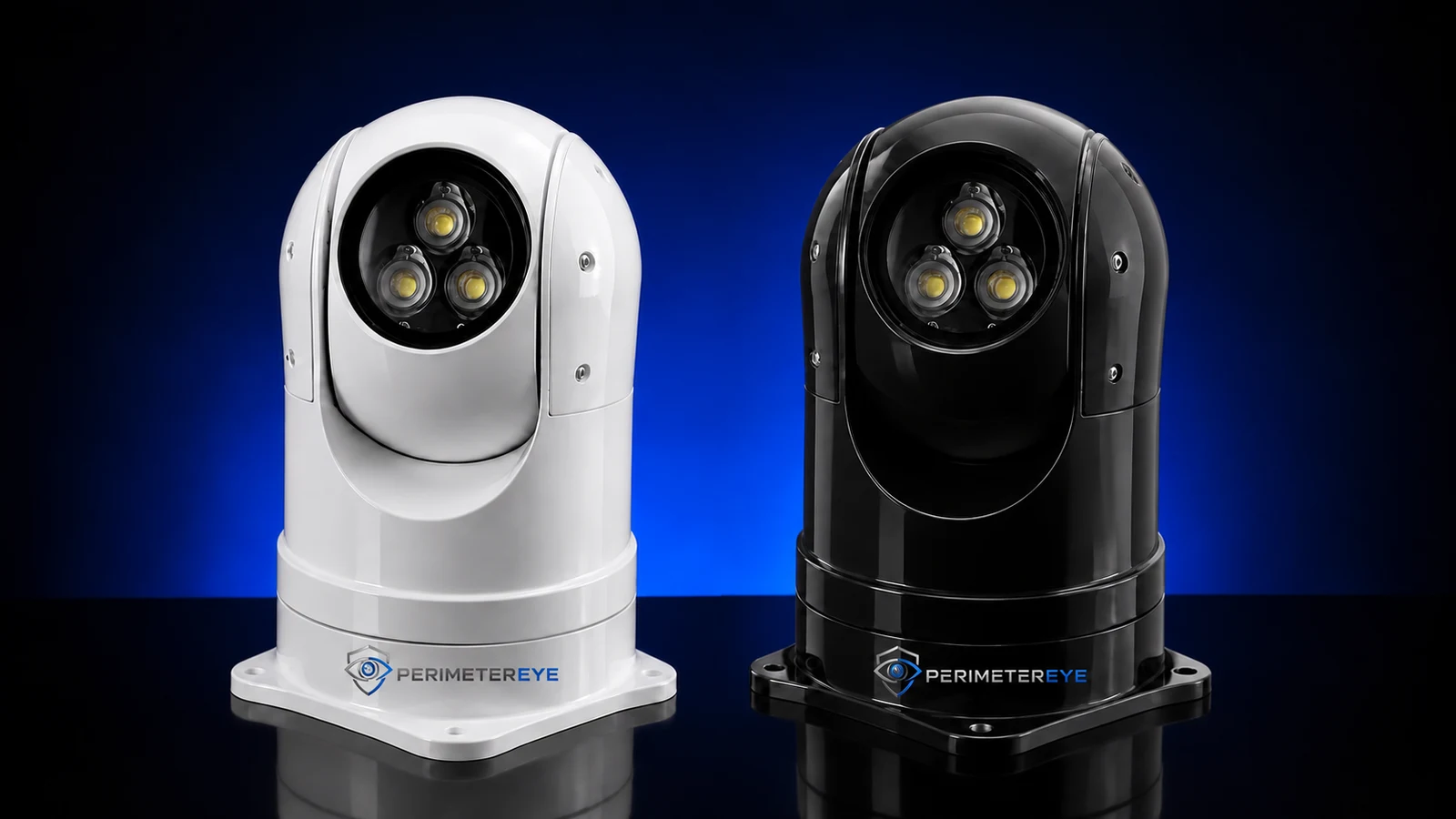
When the system determines that activity should be illuminated, the Brain commands the light where to aim and directs its tracking.
Plan PerimeterEye around the places that matter: the driveway entrance, workshop, barn, equipment area, and paths between buildings. Bring those views and the connected response hardware into one property system.
 View photo
Choose the places that matter
After dark
Filmed at a residential property, this demonstration shows the Brain-directed searchlight finding and holding a person in a covered area.
Night-vision camera footage as the searchlight finds and holds a person on the property.
When the system determines that activity should be illuminated, the Brain commands the light where to aim and directs its tracking.
Set how often the lights sweep your covered perimeter areas in system settings. Frequency and timing are configurable.
Connected camera speakers and siren hardware can add a targeted voice warning or stronger response when the activity and your settings warrant it.
Turn coverage goals into a practical setup
A useful rural system starts with a workable installation plan for each location.
Walk the approach and look for bends, trees, terrain, walls, and parked equipment that interrupt the view. Plan camera and searchlight positions around those limits.
Each equipment location needs suitable power and a reliable connection to the system. Include distances between buildings and the internet connection needed for remote access.
Decide where lighting, spoken communication, or siren output is useful. The Brain coordinates the installed hardware; placement determines which areas it can serve.
Useful context from a working property
The Event Timeline brings the day’s observed activity into a readable history. Use it to review arrivals, work around buildings, or movement you want to understand more closely.
Return to the hour and event that matter, with the relevant camera views available for review.
Use the indoor wall panel or your phone to view activity and manage your system’s response.
PerimeterEye learns your property and handles ordinary arrivals, workers, and deliveries in context. There is no daily routine of arming and disarming as people come and go. Visitor mode is for large gatherings with lots of expected activity.
Explore Property ModesReal app example: vehicle, person, and deer activity grouped by hour, with the cameras involved in each event.
Explore your next priority
Before you choose
Coverage can be planned around the approach, gates, garages, barns, workshops, and equipment areas. Each covered location needs suitable cameras and connected hardware, power, and network connectivity. Distances and obstructions determine the practical design.
Acreage alone is not enough. The entrances, buildings, routes, sight lines, and specific assets you want to cover matter more than a single land-area number. Our team can help match camera and response placement to those priorities.
A searchlight has 355° rotation and 90° tilt, but coverage still depends on mounting, distance, line of sight, and obstructions. The Brain commands the light within that coverage. Separate buildings or interrupted views may need additional equipment.
Yes. Configure the searchlights’ perimeter-sweep timing and frequency in your system settings, as often as you like. The Brain commands these scheduled sweeps separately from tracking activity selected for a response.
PerimeterEye assesses the activity visible to your cameras in context, with Armed as the daily-use mode. The app can distinguish categories of activity and present them in your event history. Visitor mode is for large gatherings, not routine work or deliveries.
Plan reliable connections between the covered areas and your system, with suitable power at the equipment locations. Remote app access and notifications also depend on working internet connectivity. Discuss remote buildings, distance, and any unreliable service when planning the installation.
Choose a system or discuss your driveway, outbuildings, equipment areas, power, and connectivity with our team before selecting the configuration.
Explore an upgrade for your existing camerasSystem launch offer
First 6 months included from activation. Then $99/month.
Compare system packages