A first-arrival heads-up
Know when the first guests pull in so you can be ready at the entrance.
Visitor mode is for the days with lots of invited people, arriving cars, and activity across your property. Greet guests, help guide parking, and keep an eye on arrivals while you focus on hosting.
Explore the real wall panel. Tap play to watch.
Actual wall-panel and iPhone recordings showing the owner interface for camera views, Property Modes, and event review.
Before, during, and after
Switch to Visitor and set the welcome and arrival guidance for your gathering. Think about the entrance, route to the house, and space you want guests to use for parking.
Spoken welcomes, first-arrival notifications, and guest guidance support the expected traffic. You retain live visibility while people move around the property.
Review any activity you want to check, then return to Armed for everyday use. Change the mode from your phone, wall panel, or assistant.
A welcoming arrival
Connected camera speakers can welcome arrivals. The Brain can command your searchlights to illuminate routes and support guest parking guidance, using the setup for your property.
Know when the first guests pull in so you can be ready at the entrance.
Use the welcome and guidance around the entrance and parking areas you have planned for the gathering.
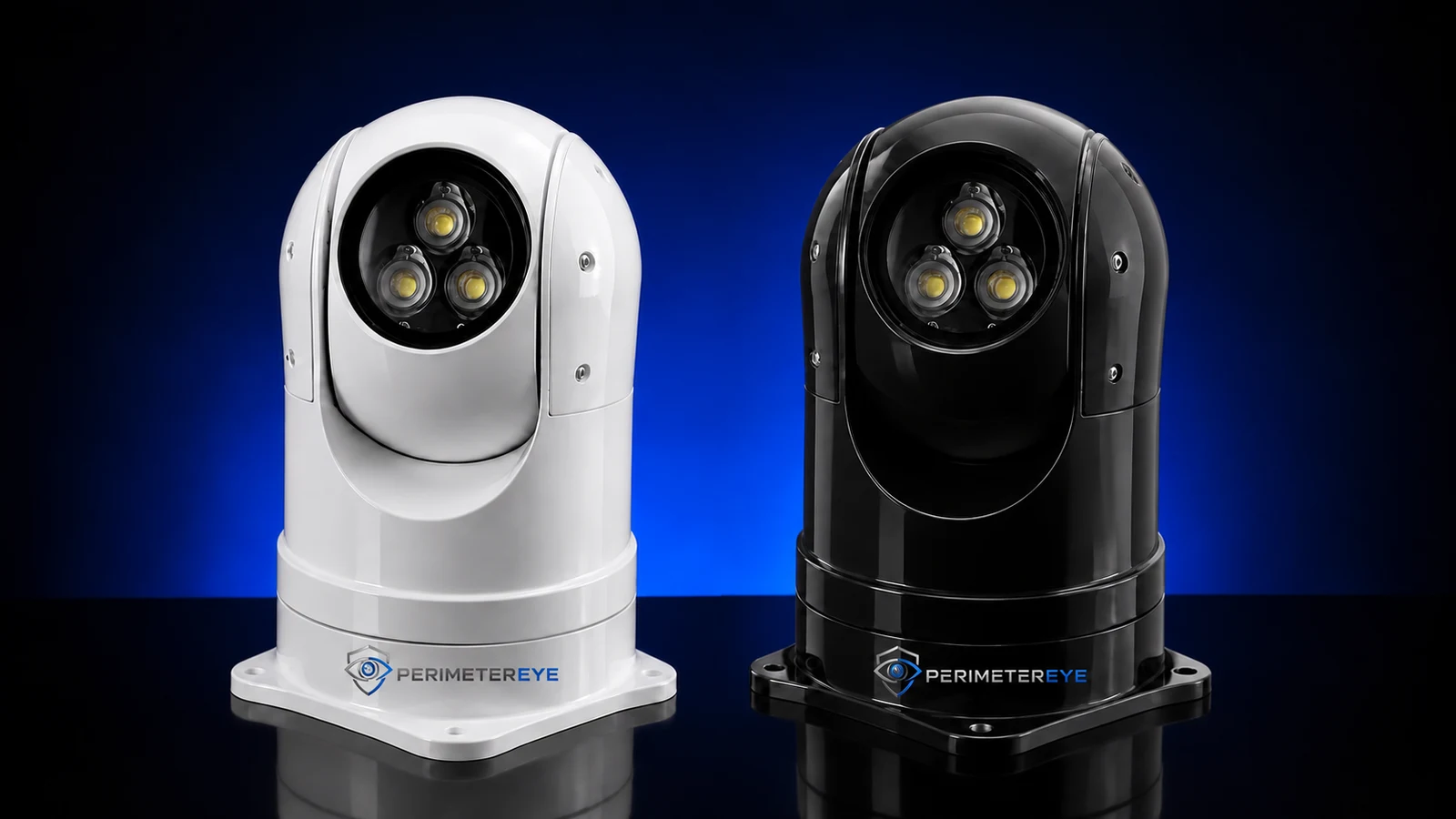
The product photo shows the actual searchlight hardware with PerimeterEye branding. Guidance depends on the areas covered by your cameras, speakers, and lights.
 View photo
Choose the right mode
Everyday life already belongs in Armed. Visitor is a deliberate choice for unusually busy, invited activity.
PerimeterEye learns your property and handles ordinary arrivals, workers, and deliveries in context. There is no daily routine of arming and disarming as people come and go. Visitor mode is for large gatherings with lots of expected activity.
Explore Property ModesStay connected while you host
Look at arriving vehicles or activity at another entrance while you are busy elsewhere on the property.
Use live camera audio or answer an Access intercom call from your phone or wall panel.
Review what happened around your entrances and guest paths afterward, using the available footage and event context.
The rest of your hosting setup
Before you choose
Use it for a large gathering when you expect lots of arrivals and movement across your property. Keep Armed for everyday visitors, cleaners, contractors, deliveries, and ordinary household activity.
The property adopts a welcoming posture for the gathering. Connected camera speakers can greet arriving guests, searchlights can help illuminate routes and coordinate parking, and first-arrival notifications let you know the gathering has begun.
No. The PerimeterEye Brain commands the connected searchlights as part of the system’s configured guest guidance. The lights carry out the response; they do not independently understand the event or choose the parking plan.
Yes. Visitor mode changes how the property responds to expected gathering activity. You retain camera visibility, event history, notifications, and owner controls on your phone and wall panels.
No. Package Detection and Delivery Guidance already work in everyday Armed mode, as well as the other modes except Off and Quiet. Receiving a package is not a reason to switch to Visitor.
Change the Property Mode from your phone, indoor wall panel, or PerimeterEye assistant. Return to Armed for daily use when the gathering ends.
Choose a system around your entrances, driveway, and gathering areas, with the connected hardware to support the guest experience.
Explore an upgrade for your existing camerasSystem launch offer
First 6 months included from activation. Then $99/month.
Compare system packages