A vehicle break-in attempt
Add an audible response when activity around a parked vehicle develops into a serious threat.
When suspicious activity calls for a stronger response, the PerimeterEye Brain commands a dedicated siren. Powerful sound works alongside tracking searchlights and AI voice warnings, with activation and stop controls in your hands.
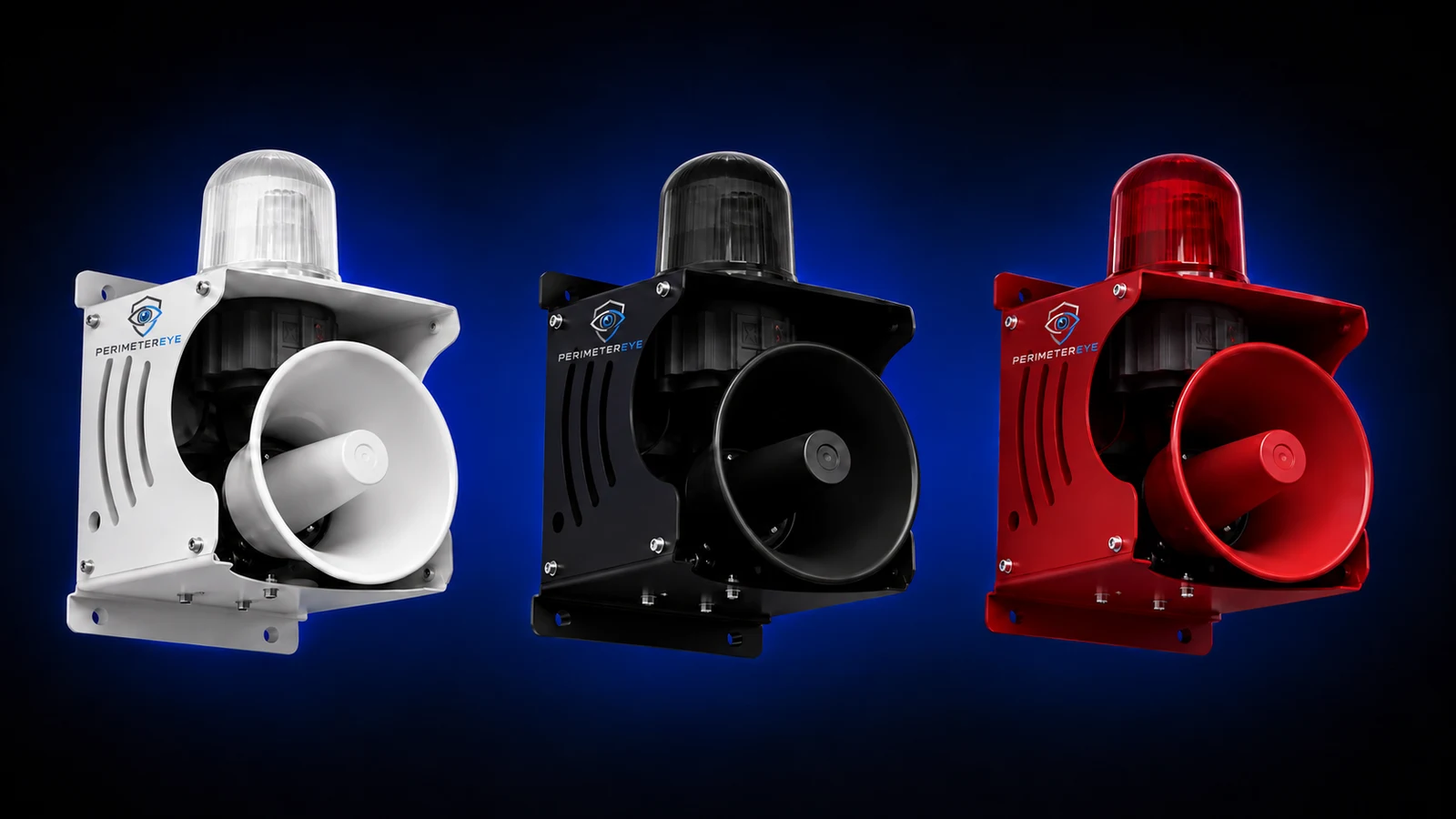 View product photo
Watch and listen
In this staged vehicle scenario, you can hear the voice warning and siren while the searchlight follows the activity. It is filmed output from a working PerimeterEye system.
A staged vehicle break-in on a real property. Voice warning, tracking searchlight and a 130 dB siren — automatic, on-site, no operator. The scenario was staged for filming; the system's responses were not.
Play with sound to hear the voice warning and siren.The film shows how the response comes together. Your volume setting controls the siren at your property; video playback volume depends on your device.
Escalation with context
PerimeterEye uses what the cameras see, the system’s assessment, and your settings to decide which response is appropriate. The siren adds urgency when the situation calls for stronger deterrence.
Camera context and PerimeterEye AI help distinguish everyday activity from a situation that needs a deterrent response.
The Brain can command a tracking searchlight while a targeted voice warning addresses the person and what they are doing.
When the activity, Property Mode, and your settings call for a stronger response, the Brain commands the connected siren.
Review the camera view, speak live, change the response, or stop the siren from your phone or indoor wall panel.
The siren is a connected output device. It receives the system’s command from the PerimeterEye Brain; it does not assess the scene or make its own decision about the person.
Every event does not require every response. Timing and escalation depend on the activity, Property Mode, settings, and owner control.
Add an audible response when activity around a parked vehicle develops into a serious threat.
Draw attention to concerning activity at a door, garage, or detached building.
Escalate when threatening activity continues and a stronger response is warranted.
Power with control
The dedicated hard-wired siren has adjustable output, so you can set its volume for your property. The system coordinates automatic escalation, and your phone or wall panel lets you act directly.
Choose the siren volume and response settings for your property. Full-output capability gives you headroom; your chosen setting determines the volume used.
Use the owner controls to activate or stop the siren, change the response, or switch Property Modes. You retain control when the system responds automatically.
Open the camera view from your phone or indoor wall panel. Watch the activity and speak live through the camera speakers while deciding what to do next.
Response checks, safe-start behavior, volume limits, and automatic stop protections help keep siren output controlled. A stop control stays available to the owner.
Made for daily life
Armed is the daily-use mode. PerimeterEye learns your property, so routine arrivals, workers, and deliveries are assessed in context. You do not need a daily routine of arming and disarming as people come and go.
Hosting a large gathering with lots of expected activity? That is when Visitor mode fits.
Explore Property ModesThe complete system
Watch the longer demonstration to see camera detection, tracking searchlight, targeted voice, and siren working together. Then explore the part of the system you want to understand in more detail.
Detection, tracking searchlight, spoken warning and siren escalation, end to end — all recorded output from a working system.
Play with sound to hear the voice warning and siren.Before you choose
The siren has a 130 dB full-output capability and adjustable volume. You choose the volume setting for your property; it does not have to run at full output for every activation.
PerimeterEye assesses the activity using camera context, your Property Mode, and response settings. When an automatic siren response is approved, the PerimeterEye Brain sends the command to the connected siren. Owners also have manual activation and stop controls.
Yes. Your phone and indoor wall panel provide owner controls to activate or stop the siren and adjust the response. You can review the camera view and speak live while deciding how to handle the activity.
No. The siren is a serious-response layer, and activation depends on the assessed activity, selected mode, and settings. Armed is the daily-use mode for ordinary arrivals, workers, and deliveries as the system learns your property. You do not need to routinely arm and disarm it as people come and go.
Voice, tracking light, and siren are coordinated parts of the response. A warning does not automatically mean the siren will sound, and every event does not have to follow the same timing or use every layer. The activity, Property Mode, settings, and owner controls determine the response.
It shows a staged vehicle break-in on a real property, with the working PerimeterEye system responding automatically through voice, tracking searchlight, and siren. The scenario was staged for filming; the system’s responses were not driven by an operator.
Activation is subject to the system’s response checks, and the siren includes safe-start, volume limits, and automatic stop protections. You also retain a stop control. These safeguards support controlled operation alongside your selected volume and response settings.
Yes. Quiet mode keeps the cameras recording while AI analysis, notifications, and deterrence stand down. Off mode stops watching and recording as well. Both stand automatic siren responses down.
The PerimeterEye siren is separate hard-wired hardware controlled through the Brain. Camera speakers provide voice warnings and live audio; the siren provides the higher-output alarm response. Choose a system configuration that includes the deterrence hardware you need.
No. Siren escalation is intended to draw attention and add urgency to a serious situation. No security system can guarantee that someone will leave or that an incident will be prevented. You retain live awareness and controls throughout the response.
Choose a PerimeterEye package with the deterrence hardware your property needs, or talk with our team about your entrances, driveway, and outdoor areas.
Explore an upgrade for your existing camerasSystem launch offer
First 6 months included from activation. Then $99/month.
Compare system packages