Delivery Guidance

Smarter Delivery Guidance For Modern Homes

Tell your assistant where packages go. Your property takes it from there.

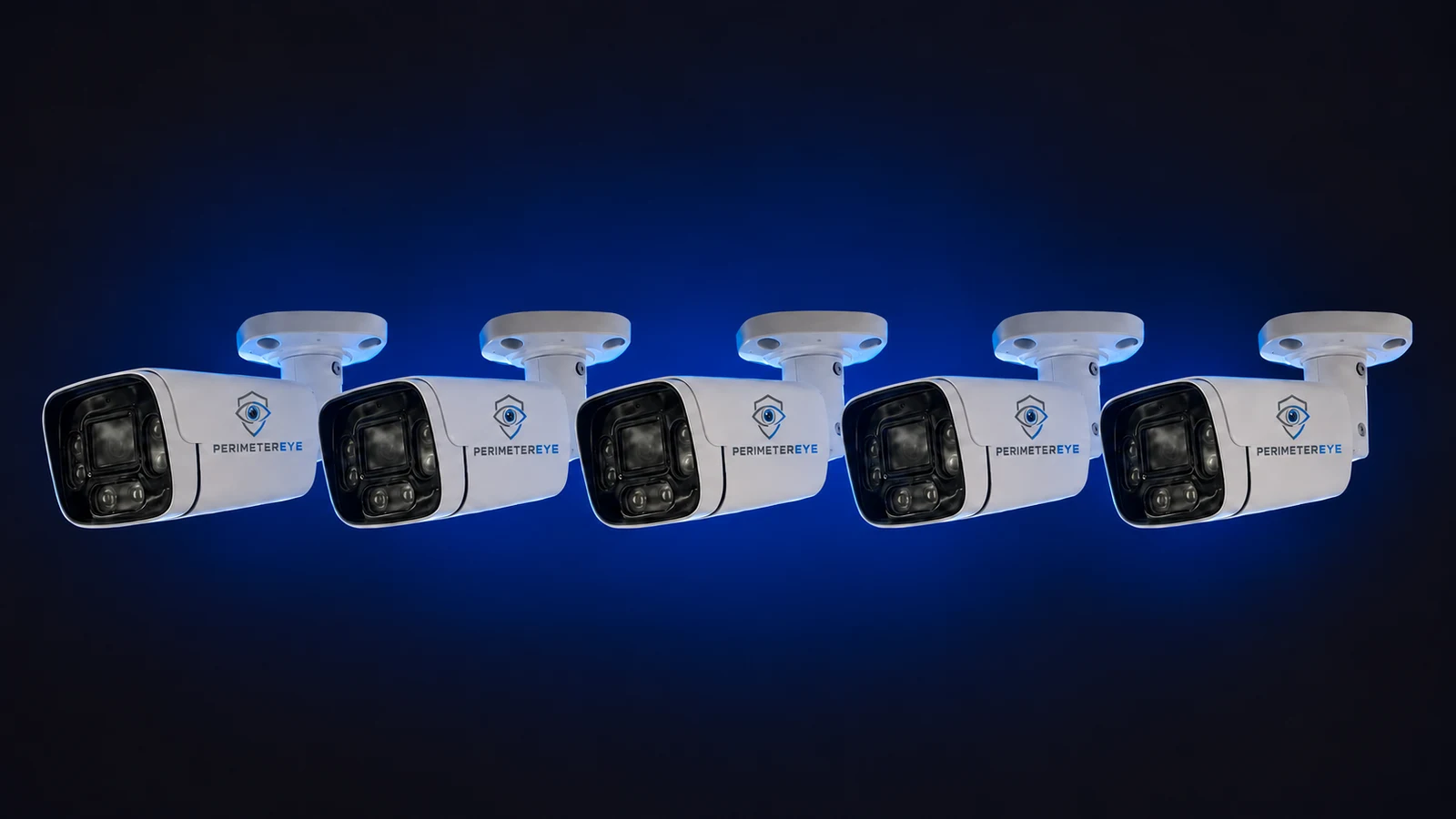
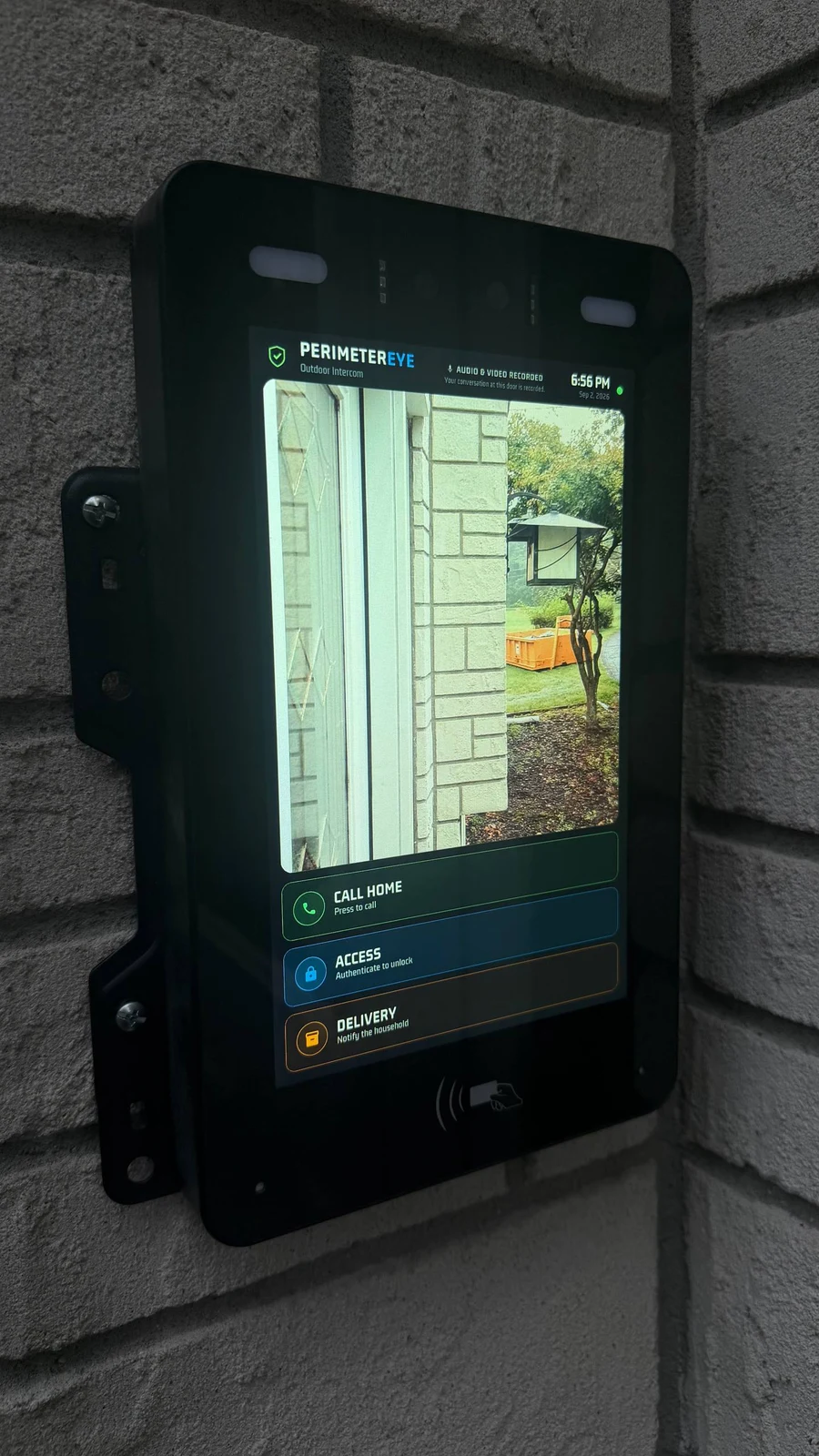
Just tell your PerimeterEye assistant where you want packages left. When a delivery driver arrives, the system speaks to them through the cameras and tells them exactly where to drop the package — no settings to dig through, and no mode change needed, ever.

Package zone visible
Front entry
Drop-off area
Driveway
Visitor path
Delivery guidance active
Preferred zone
Visitor visible
Timeline saved

Why Delivery Guidance Matters

Drivers Can't Follow Preferences They've Never Heard

Packages end up in inconsistent or exposed spots because delivery drivers have no way of knowing where you want them. PerimeterEye closes that gap: your preference, told once to your assistant, is spoken out loud to every driver who arrives.

One instruction, every delivery

Tell your assistant once where packages belong — every future drop-off gets spoken directions to that spot.

Spoken guidance at arrival

When a driver arrives, the cameras speak to them and point them to the right drop-off location.

Carriers always recognized

Mail carriers and delivery drivers are identified as exactly that — never treated like intruders.

Driveway visibility

Review delivery vehicle arrivals, driveway activity, and approach context.

Front-entry organization

Bring order to package activity around doors, porches, covered entries, and side entrances.

Real-time alerts

Get notified when the delivery is confirmed, and see exactly where the package was left.

Smart Delivery Workflows

Built Around Real Delivery Activity

PerimeterEye can support delivery-focused awareness workflows that help homeowners understand when deliveries arrive, where packages were placed, who approached the property, how long activity lasted, and what happened afterward.

The goal is simple: make deliveries easier to understand and easier to review later.

Package arrival alerts
Delivery event history
Visitor movement awareness
Entry-point coverage
Event timeline replay
Mobile visibility

Delivery Guidance Features

Help Deliveries Go To The Right Place

Whatever you tell your assistant — front door, side entrance, covered porch, garage side, inside the gate — becomes the guidance the system speaks to arriving drivers.

Front door delivery guidance
Side entrance package zones
Covered package areas
Garage-side delivery locations
Gate entry guidance
Visitor-friendly delivery instructions
AI Assistant

Just Tell Your Assistant

There's nothing to configure and no mode to switch. Say “have packages left by the garage side door” to your PerimeterEye assistant, and from then on the system speaks that guidance to every delivery driver who arrives. It works around the clock in Active mode — the set-and-forget mode your property lives in — and in every other mode except Off and Quiet.

Explore Property Modes
Plain-language instructions
Spoken at the right moment
Carrier recognized on arrival
Any drop-off spot you choose
Delivery confirmed
No mode changes, ever

Daily Use

More Than Security Alerts

PerimeterEye is designed to support normal everyday property awareness, not only elevated security situations.

Package arrivals
Guest awareness
Doorbell-style activity
Driveway arrivals
Front-entry visibility
Delivery review history
Mobile notifications
Live camera access
Package Detection

Works Alongside Package Detection

PerimeterEye Delivery Guidance works together with Package Detection and Event Timeline features to help homeowners review deliveries, keep an eye on front-entry activity, and stay aware of what happens around package areas.

Package arrival awareness
Delivery event history
Drop-off visibility
Visitor tracking
Event replay
Mobile alerts

Platform Balance

Friendly To Couriers. Ready For Everything Else.

In Active mode, the same system that politely directs a delivery driver to your preferred drop-off spot can escalate through tracking spotlights, targeted voice warnings, and the siren when someone actually threatens your property. Deliveries are recognized and guided; verified suspicious activity is confronted — no mode change required for either.

Comparison

Basic Doorbell Cameras vs PerimeterEye Delivery Guidance

Basic Doorbell Cameras
PerimeterEye Delivery Guidance
Generic motion alerts
Delivery-focused awareness
Random saved clips
Package zone visibility
Limited delivery context
Visitor and driveway context
Minimal package organization
Event timeline replay
Mostly reactive
Works with Property Modes
Basic notifications
Intelligent property awareness
Front-door only
Integrated front-entry visibility

Use Cases

Built Around Everyday Property Activity

Package deliveries

Grocery drop-offs

Guest arrivals

Front-entry awareness

Driveway deliveries

Covered package areas

Side-entry deliveries

Detached building deliveries

Privacy & Control

Homeowner-Controlled Awareness

PerimeterEye is designed around homeowner authority. Users can configure Property Modes, manage delivery awareness behavior, review event history, adjust alerts, and determine how the property behaves around normal visitor activity.

Plain-language assistant instructions
Privacy controls
Delivery alerts
Event history
Mobile visibility
Off & Quiet mode support

FAQ

Delivery Guidance Questions

What is PerimeterEye Delivery Guidance?+

Delivery Guidance lets you tell your PerimeterEye assistant where you want packages left. When a delivery driver arrives, the system speaks to them through the cameras and directs them to that spot — then confirms the drop-off, notifies you, and saves the event to your timeline.

Can PerimeterEye help delivery drivers find the right drop-off area?+

Yes — that's exactly what it does. Tell the assistant your preferred spot — a side entrance, a covered porch, the garage side, inside the gate — and the system speaks those directions to drivers the moment they arrive.

Does Delivery Guidance work with Package Detection?+

Yes. Delivery Guidance is designed to work alongside Package Detection so homeowners can understand when deliveries arrive, where packages were placed, and what happened around the delivery area.

Can I review deliveries later?+

Yes. PerimeterEye Event Timeline can help homeowners review delivery events, visitor movement, package drop-offs, and related alerts later.

Do I need to change modes for Delivery Guidance?+

No — never. Delivery guidance works in every mode except Off and Quiet. Active mode, the mode your property lives in day to day, fully recognizes mail carriers and delivery drivers and speaks your delivery instructions automatically.

Can homeowners control delivery alerts?+

Yes. Homeowners can configure Property Modes, alerts, privacy behavior, and how the system behaves around deliveries and visitors.

Is Delivery Guidance designed for everyday use?+

Yes. It runs quietly in the background of everyday life — packages, groceries, couriers — without you lifting a finger once you've told the assistant where deliveries belong.

Can Delivery Guidance be turned off?+

Yes. Update or remove your instructions any time by asking the assistant, and Off or Quiet mode stands the whole system down entirely.

Build Your System

Make Deliveries Smarter And Easier To Understand

Tell your PerimeterEye assistant where packages belong — once. From then on, every delivery gets spoken directions on arrival, a confirmed drop-off, and a place in your searchable timeline.

Feature availability varies by deployment package, property layout, compatible hardware, Property Mode, and configuration.