Build around your home.
Cover the places that matter.
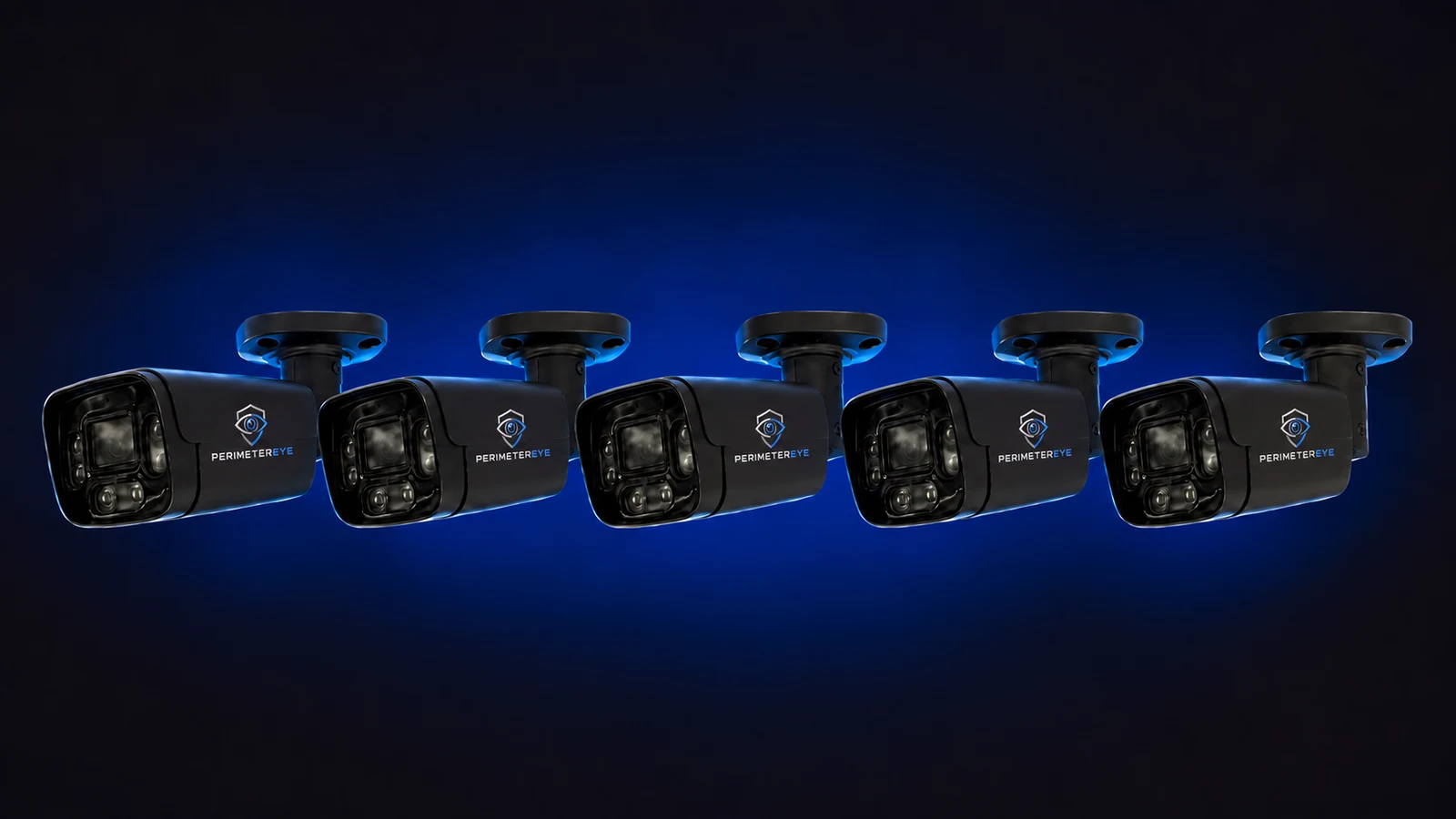
Your driveway, entrances, vehicles, and separate buildings shape the system. Choose a complete package or upgrade compatible cameras, then adjust the equipment around your property.
 View photo
Start with the layout
Follow the routes onto your property.
- Entrance and approach
- Cover the gate, driveway entrance, or walkway where a visit begins. Think about both arriving vehicles and people approaching on foot.
- Parking and the garage
- Plan views of where people can walk around parked vehicles and approach garage doors. Check the view with cars parked where they normally sit.
- Side and rear access
- Include the paths that bypass the front entrance. Corners, side gates, and landscaping can create gaps even on a relatively small property.
- Separate buildings
- A workshop, barn, or detached garage is its own coverage area. Plan the camera view and response hardware alongside its power and connection needs.
Choose your starting point
A complete system or an upgrade.
What the connected hardware does
The Brain coordinates the response.
Cameras provide the view. When the system determines that a response is needed, the PerimeterEye Brain commands the connected searchlights, speakers, and siren according to your settings and Property Mode.
This filmed demonstration shows a working system's output. Your coverage depends on the equipment and layout you choose.
Detection, tracking searchlight, spoken warning and siren escalation, end to end — all recorded output from a working system.
Play with sound to hear the voice warning and siren.Make it work on your property
Plan. Install. Activate.
- 01
Discuss the important areas
Bring a simple layout or photos, note existing cameras, and identify the places where you want visibility and response.
- 02
Install with guidance
Follow the included setup instructions, or hire an independent installer directly for mounting and cabling. Installation labor is separate.
- 03
Make it yours
Connect your phone and wall panels, set household and delivery information, and choose the behavior you want around your property.
Armed is the daily-use mode.
PerimeterEye learns your property and handles ordinary arrivals, workers, and deliveries in context. There is no daily routine of arming and disarming as people come and go. Visitor mode is for large gatherings with lots of expected activity.
Explore Property ModesExplore your layout
More detail for different properties.
Before you choose
Residential system questions
How do I choose the right package?
Start with your entrances, driveway, parking areas, and separate buildings. Use the system builder to compare package contents and adjust quantities. The useful coverage depends on sightlines and placement as well as equipment count.
Can the system cover a detached garage or gate?
Yes, those areas can be part of a planned deployment. Each location needs suitable camera views, hardware placement, power, and connectivity. Include distances and existing connections when discussing your layout with our team.
What if I already have cameras?
Use the existing-camera compatibility route. A compatible system can be upgraded with a PerimeterEye Brain and the equipment needed for your chosen package. Check the package contents: not every upgrade includes searchlights, a siren, Access, or a wall panel.
Does the equipment price include an installer?
Guided self-installation is included. Independent installation labor is separate; you hire and pay your chosen installer directly.
Can I add extra cameras or wall panels?
The builder lets you customize the equipment in your order, including cameras, tracking spotlights, sirens, intercoms, and control panels. Review the final equipment list before checkout.
When should I use a different Property Mode?
Armed is for everyday life, including normal arrivals, workers, and deliveries. Use Visitor for a large gathering, High Alert or Maximum Security for heightened protection, Quiet for recording without analysis or alerts, and Off to stop watching and recording.
Choose a system for your property.
Compare a complete system with an upgrade for compatible cameras. Our team can help you work through the layout before you order.
Explore an upgrade for your existing camerasSystem launch offer
Your first 6 months
of service included.
First 6 months included from activation. Then $99/month.
Compare system packages